


eDTR Download
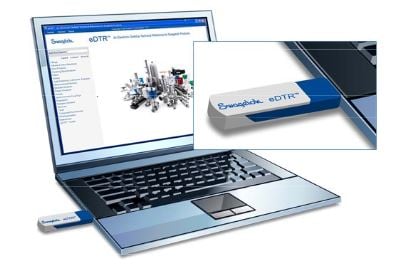
Download eDTR to your desktop!
Installation instructions:
- Click on this link
- Download the zipped file
- Once the file download is complete, right click the zipped folder and click Extract All
- Double-click on the eDTR folder then double-click Setup
- A pop-up box will appear, then click Run
- Follow the Setup Wizard and register your eDTR
Need more info on how to install the eDTR? Download our Swagelok eDTR Easy Installation Guide.
 |
Need the eDTR on the go? Download it to your iPad today! |